
How to Complete a TW Login: Step-by-Step Access for Gulf Coast Homeowners

Brad Spurgeon • November 2, 2026
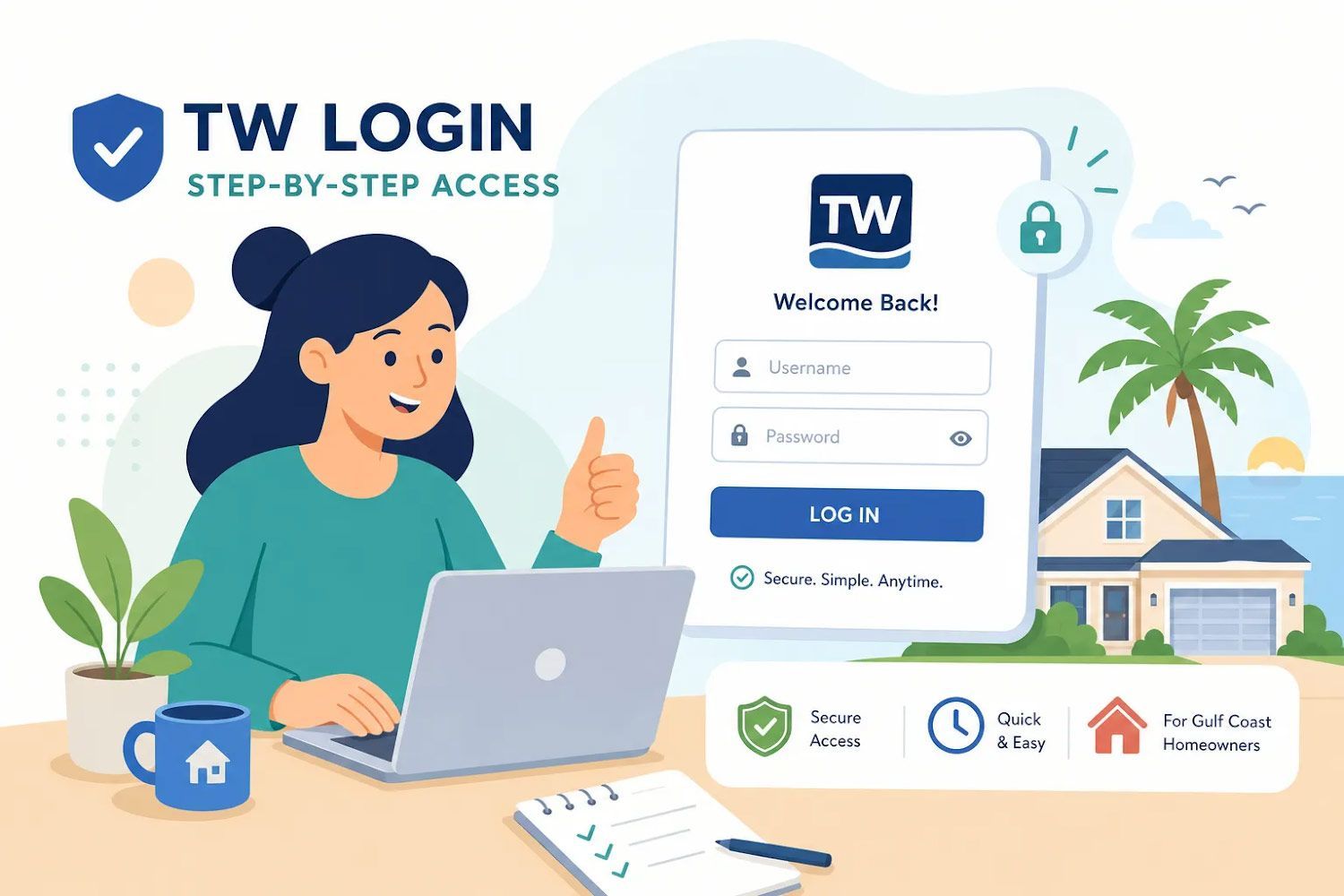
TW login screen with woman at laptop and a house icon, showing step-by-step access.

If you're searching for a TW login and you live on the Texas Gulf Coast, you're likely trying to reach one of two portals: the Texas Windstorm Insurance Association (TWIA) policyholder site or your insurance agency's online client account. TWIA uses "TW" prominently in its name and branding, and it's the essential portal for managing windstorm and coastal home coverage. Knowing which portal you need, and what to expect at the sign-in screen, makes the whole process much simpler.


This guide covers the most common TW portals Gulf Coast homeowners land on, how to log into each one, how to fix errors that block access, how to recover a forgotten password, and how to verify you're on a legitimate page before you type a single credential. And if you still can't get through, Brad Spurgeon Insurance Agency Inc., a third-generation family-owned agency serving the Texas Gulf Coast since 1986, can walk you through it directly.

Key takeaways

  • TWIA is the primary portal: Gulf Coast homeowners with windstorm coverage most often need the TWIA policyholder portal at twia.org, not other TW-branded sites.
  • OTPs expire fast: One-time codes issued by some TW portals are valid for only five minutes; request a fresh one if yours times out before you enter it.
  • Failed attempts can trigger a lockout: Some TW portals block access after a few consecutive failed logins. If that happens, wait before retrying and use the password reset option rather than guessing again.
  • Never create a duplicate account: For TWC UBS, a second account tied to your Social Security number blocks access entirely, according to the Texas Workforce Commission.
  • Verify the URL first: Legitimate TWIA sign-in pages live on the twia.org domain; anything else is a red flag worth closing immediately.
  • Local help is available: Our team at Brad Spurgeon Insurance Agency Inc. offers personalized service and online tools, contact us for setup assistance or to sort out account questions.

Which "TW" portal do Gulf Coast homeowners actually need?

The Texas Windstorm Insurance Association, known as TWIA, is the state-backed insurer that provides windstorm and hail coverage for properties in Texas coastal counties. If your home sits anywhere along the Gulf Coast and you carry a windstorm policy, you likely have a TWIA account. Their official policyholder portal lets you view coverage details, make payments, and track claims, all from one dashboard.


A search for "TW login" also returns results for services that have nothing to do with windstorm coverage. The Texas Workforce Commission UBS site at apps.twc.texas.gov handles unemployment benefits. TW Services at ps.twwms.com is a payroll portal for employees. TWAI is a cloud computing platform built for research teams. If your screen looks unfamiliar after clicking a search result, close the tab and navigate directly to twia.org instead of trying to force a login on the wrong site.


If you hold your windstorm or home policy through our agency, you also have access to the Brad Spurgeon Insurance Agency Inc. client portal. Through it, you can pull policy documents, submit claims, and make payments without calling the office.

How do you log in to your TW portal step by step?

Logging into the TWIA policyholder portal ; https://www.twia.org/login/

  1. Open your browser and navigate to twia.org. Look for the Policyholder Login link in the top navigation.
  2. Enter your registered email address and password, then select Login.
  3. If two-step authentication is enabled, TWIA will send a one-time security code to your registered email address or cellphone.
  4. Enter the code exactly as received, then select Login again to complete the process.
  5. Once inside, use the dashboard to view your policy, download your declarations page, report a claim, or make a payment.


If this is your first time registering, you'll need your policy number or offer number, along with your name, email address, and ZIP code. Those details must match exactly what your agent submitted to TWIA. If registration fails, contact your agent to verify the information on file before trying again. TWIA also lists customer assistance at (800) 979-6443.

Logging into the Brad Spurgeon Insurance Agency client portal

Clients of Brad Spurgeon Insurance Agency Inc. can access their account directly through the agency website. The portal connects you to policy documents, payment options, and claim reporting without a phone call. If you haven't activated your online account yet, contact us by phone or through the website contact form, and we'll walk you through it.

What are the most common TW login errors and how do you fix them?

Most login failures come down to a handful of repeatable problems. The table below covers the most frequent ones and what to do about each.

Error or Symptom Likely Cause Fix
OTP rejected even though it looks right Wrong code entered more than once, or an old code used instead of the newest Select Send again and use only the newly issued code
OTP expired Codes are valid for only a short window (often five minutes) Request a new OTP and enter it immediately
No OTP received Message filtered to spam, wrong contact on file, or a brief delivery delay Check spam folder, verify your registered email or phone, then resend
Account locked after failed attempts Multiple consecutive failed logins Wait before retrying, then use the password reset option rather than guessing again
Registration details don't match Name, email, or ZIP code differs from what your agent submitted to TWIA Contact your agent to correct the record, then retry registration
Page loops or fails to load Browser cache, cookies, or browser extensions interfering with the session Clear cache and cookies, try a private browsing window, or disable your VPN

Reaching the wrong TW site is more common than it sounds. If your screen looks unfamiliar or the domain doesn't match what your insurer provided, stop and close the tab right away. Return to twia.org by typing it directly into your address bar and navigate from there. Bookmarking the right URL today prevents this problem entirely.


For TWIA technical support, contact the association at (800) 788-8247, Monday through Friday, 8a.m. to 5 p.m. If the issue involves your name, email address, ZIP code, or policy number, contact your agent first. Those details may need to be corrected in TWIA's records before your login will work.

How do you reset your TW password or recover a locked account?

On the TWIA policyholder login page, select Forgot Password. Enter your username and complete the security questions or verification steps the portal presents. TWIA will send a reset email with a link inside. Follow that link and create a new password. Some TW systems require passwords of at least 12 characters with a mix of letters, numbers, and special characters, so check the prompt for exact requirements. Complete the reset promptly because the link expires.


If you've forgotten your username, can't answer the security questions, or your account is locked, call TWIA directly at (800) 979-6443 during normal business hours. If TWIA previously notified you that your older account expired following a system migration, you'll need to register as a new user. Your current policies and claims will still be available after that new registration is complete.

How do you spot a fake TW login page before entering your credentials?

Before typing anything, check the address bar. A legitimate TWIA sign-in page will be on the twia.org domain. A legitimate TWC UBS page will be on a texas.gov address. If the URL contains extra words, hyphens, or an unfamiliar domain, close the tab immediately. Phishing pages are built to mimic official portals exactly, so the visual design alone won't protect you.


Legitimate insurance portals will never ask for your Social Security number on a standard login screen. They won't display urgent pop-ups warning that your policy will be cancelled unless you sign in within minutes. And they won't send you a login link through a text message you didn't request. If any of those things happen, treat the message as phishing and navigate to the insurer's official site by typing the address manually into your browser.


A few simple habits make a real difference. Bookmark the official URL for every portal you use regularly. Enable multi-factor authentication wherever the portal offers it. And never reuse your insurance portal password on other sites. These steps protect your policy access and every piece of personal information tied to your coverage.

Still can't log in? We're one call away; 409-945-4746

Brad Spurgeon Insurance Agency Inc. has served Texas Gulf Coast homeowners since 1986, and portal access questions are something our team handles regularly. If you hold a windstorm, flood, or home policy through our agency and you're locked out of your account, call the office or reach out through our website. We offer personalized service and online tools to help clients manage their coverage.


If you don't yet have an online account for your windstorm or home policy, we can help you set one up. Self-service features in the portal, like downloading your declarations page, requesting a certificate of insurance, or reporting a claim, are typically available whenever you need them. For Gulf Coast homeowners, that kind of on-demand access matters most when a storm is approaching and every minute counts.


Many common TW login problems are resolved quickly by confirming the correct URL and using the latest OTP. Confirm you're on the right site, use the newest code, and don't create a duplicate account if you're locked out. Whether your question is about logging into your TWIA account, flood coverage, or your next policy renewal, get in touch with our team through the agency website or by calling our office directly.

Frequently Asked Questions

  • How long do one-time passwords (OTPs) from TW portals stay valid?

    OTPs often expire in about five minutes. If your code times out, request a fresh one and enter it immediately to avoid rejection.

  • What should we do if our registration fails because our details don't match TWIA's records?

    Contact your agent to verify and correct the name, email, or ZIP code on file before trying again. TWIA requires those details to match exactly what your agent submitted, and the agent can correct the record so you can complete registration.

  • Can we use the Brad Spurgeon Insurance Agency client portal for the same tasks as the TWIA site?

    Yes, our client portal lets you pull policy documents, submit claims, and make payments without calling the office. If you haven't activated your online account, contact us and we will walk you through activation.


    https://www.twia.org/claims/


    https://www.twia.org/claims/supplemental-payments/


    https://www.twia.org/payments/

  • How do TWIA and the Texas Workforce Commission (TWC) UBS site differ, and what should we do if we land on the wrong one?

    TWIA is the state-backed insurer portal for windstorm coverage on twia.org, If you end up on the wrong site, close the tab and type twia.org into your address bar to reach the legitimate policyholder portal.

Illustrated coastal home under storm clouds with roof and drainage checklist for hurricane preparedness
By Brad Spurgeon • November 2, 2026
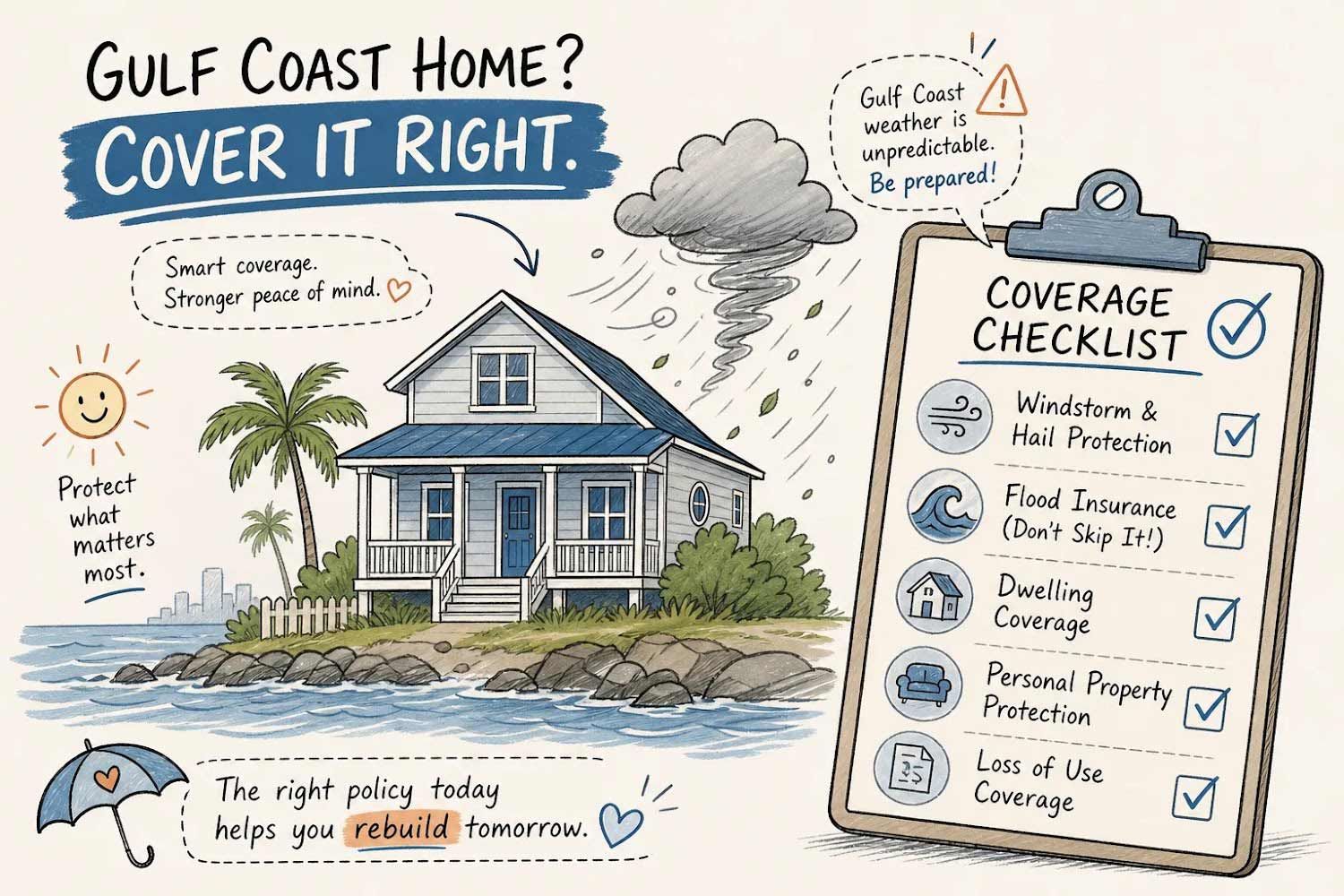
When buying on the Gulf Coast, understanding home owners insurance in Texas is essential, because a standard HO-3 policy covers fire, theft, and many everyday perils, but excludes windstorm, hail, and flood in most coastal counties. That means a single hurricane can trigger three separate claims under three separate policies, and if you only carry one policy, two of those losses come out of your own pocket. This checklist walks through what each layer covers, what it costs in 2026, and which option closes all three gaps most efficiently. Whether you're closing on a home next week or reviewing a policy you've had for years, the sequence below gives you a clear path forward.
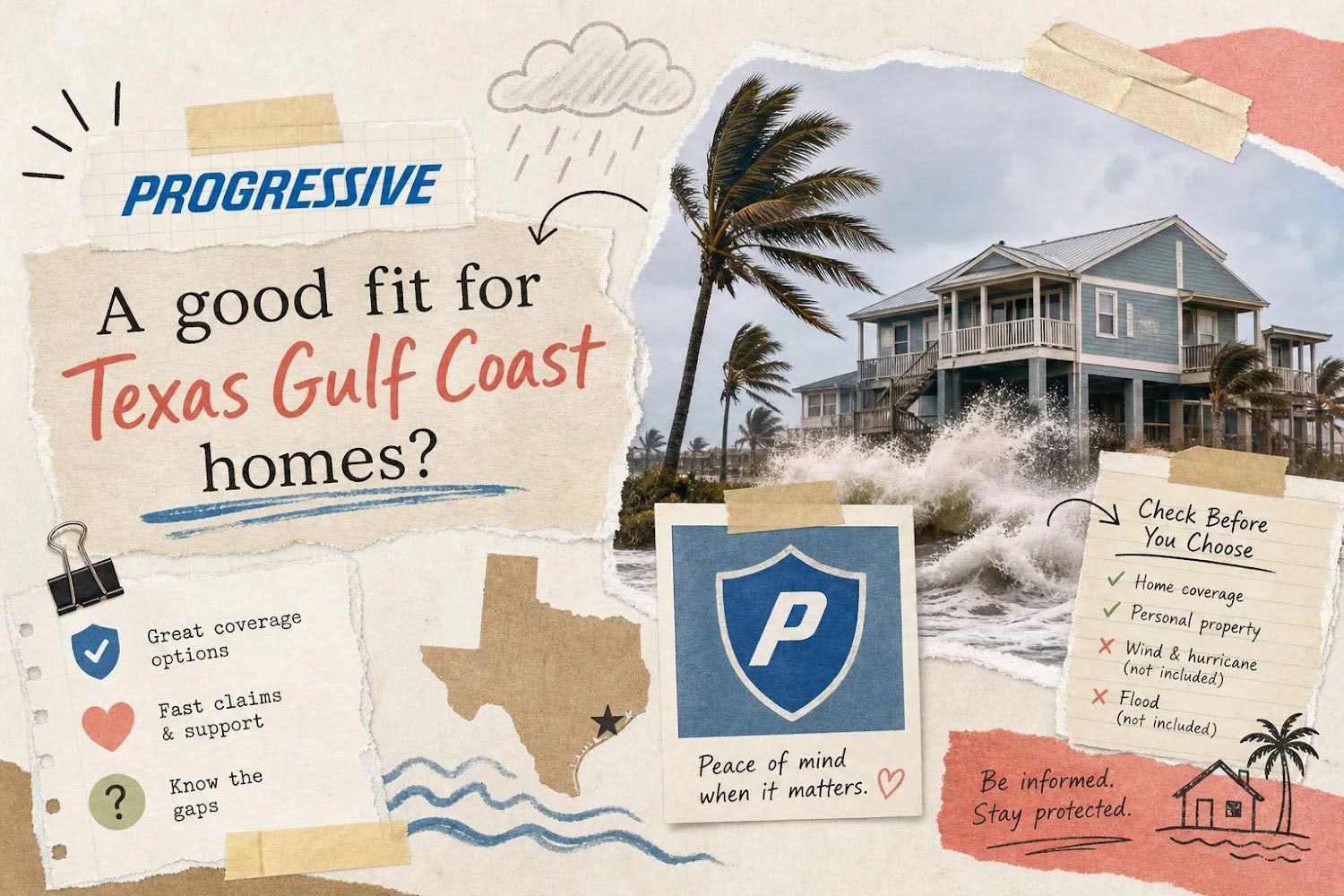
Progressive ad: “A good fit for Texas Gulf Coast homes?” with beach house, storm surf, and map graphic
By Brad Spurgeon • October 29, 2026
Progressive home insurance offers standard HO-3 coverage that works well for most American homeowners, but for Texas Gulf Coast properties, that base policy typically excludes the two biggest threats in the region: windstorm damage and flooding. Those aren't minor omissions for a home in Galveston County or along the Brazoria coastline. They're exactly what a hurricane or tropical storm delivers. Texas already carries some of the highest home insurance premiums in the country, and coastal ZIP codes push that figure even further above the national average. Spending that much on a policy that leaves windstorm and flood damage uncovered is a critical mistake. This article breaks down what progressive home insurance actually includes, where it falls short for coastal properties, and what a complete coverage picture looks like.
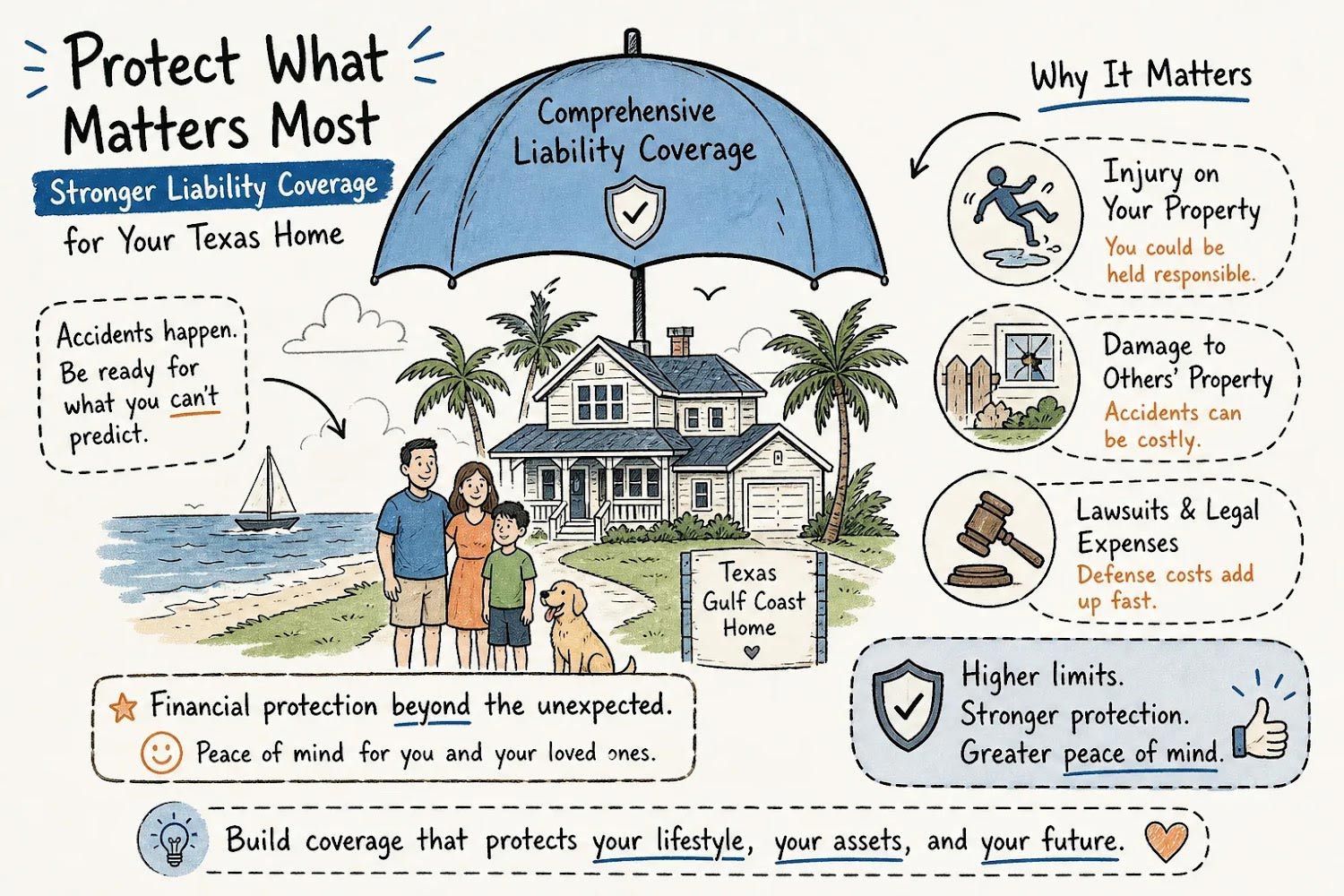
Infographic on flood insurance, showing a house, umbrella, and hurricane tips for protecting belongings and finances.
By Brad Spurgeon • October 29, 2026
Comprehensive personal liability coverage, known as Coverage E in your homeowners or renters policy, pays when someone else is injured on your property or you accidentally damage their property and you're legally responsible. It also covers your legal defense costs, attorney fees, and court judgments up to your policy limit. This guide breaks down exactly what you're covered for, what slips through the gaps, and how to build a comprehensive liability protection stack that actually holds up when a claim lands. Whether you're a first-time buyer in Texas City or a long-time Gulf Coast homeowner juggling a boat, a dog, and a rental unit, getting these limits right matters more here than almost anywhere else in the country.
Coastal home insurance ad with beach house, couple talking, and text “Ask Now, Protect Your Coastal Home”
By Brad Spurgeon • October 22, 2026
What are the most important questions to ask an insurance agent before buying coastal home insurance? Most buyers never think to ask them until after a storm. Many coastal homebuyers report spending more time negotiating kitchen countertops than understanding their insurance policy. That's a reasonable way to live, until a named storm makes landfall and the claim comes back short of what you needed. The policy was there. The coverage wasn't. Wind excluded. Flood not purchased. Deductible never translated into a real dollar amount. The policy looked fine on paper. In practice, it had gaps a storm could drive a boat through. This article gives you the questions that change that. Six categories. Each one designed to reveal whether the agent in front of you truly understands Gulf Coast exposure, or is simply filling in a form.
Handmade collage for
By Brad Spurgeon • October 22, 2026
Progressive home insurance is one of the most recognized products in the country, and that familiarity makes it easy for coastal homeowners to assume the policy covers everything it should. Many homeowners assume the standard policy handles all their risks, wind, water, and everything a Gulf Coast storm can throw at a house. It often leaves critical gaps. Gulf Coast homes face windstorm, flood, and hurricane risks that standard policies routinely exclude, and discovering those exclusions after a storm can lead to large out-of-pocket costs. This checklist walks through what a Progressive homeowners policy actually includes, where it leaves coastal buyers exposed, what it costs in Texas, and how to close the gaps before storm season arrives. We've been working with Gulf Coast homeowners from our base in Texas City since 1986.
October 19, 2026
Flooding can disrupt business operations, damage expensive equipment, and create financial losses that extend well beyond the initial cleanup. For commercial property owners, retailers, and service providers along the Texas Gulf Coast, understanding flood exposure is an important part of risk management. Knowing which
October 19, 2026
A small fire can become a serious emergency in moments. Whether it starts in the kitchen, garage, or another part of the house, knowing how to respond can help protect your family and property.
October 15, 2026
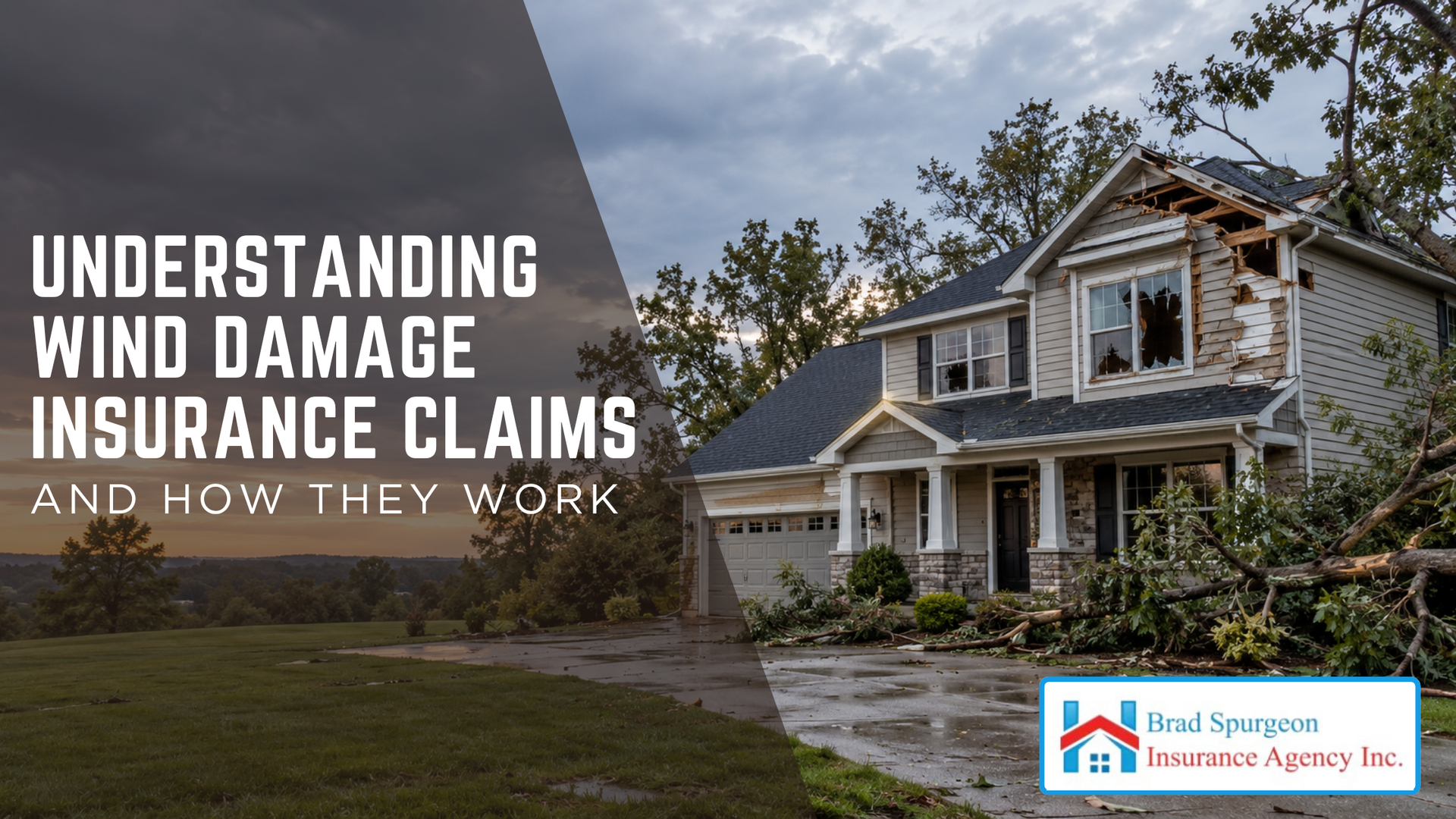
Strong winds from thunderstorms, hurricanes, and tropical storms can cause significant property damage. Missing roof shingles, broken windows, damaged siding, and fallen trees are just a few problems homeowners may discover after severe weather.
October 15, 2026
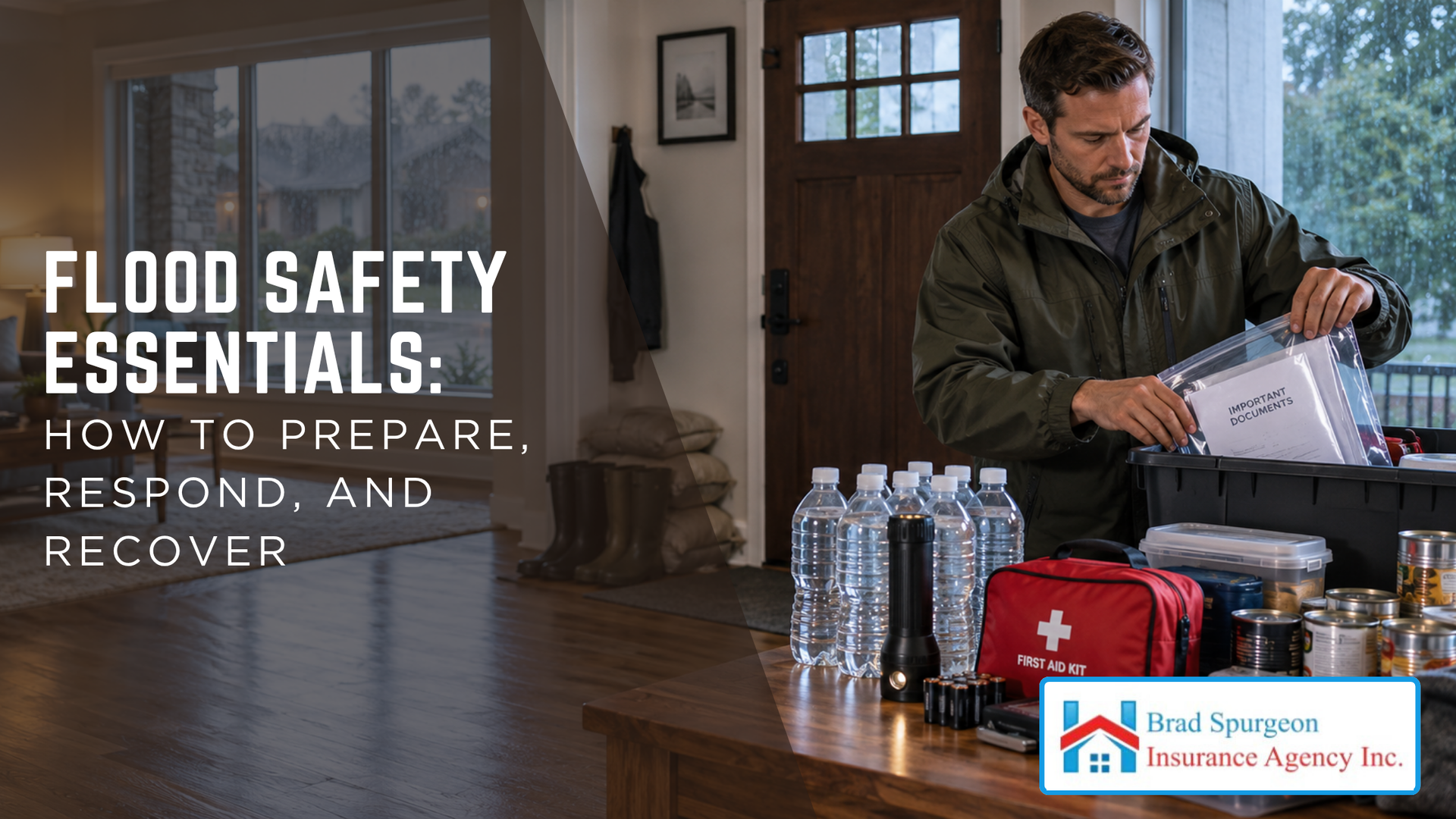
Flooding can happen quickly, leaving families with little time to protect their homes and reach safety. Heavy rainfall, overflowing waterways, tropical storms, and storm surge can create dangerous conditions, particularly in coastal communities.
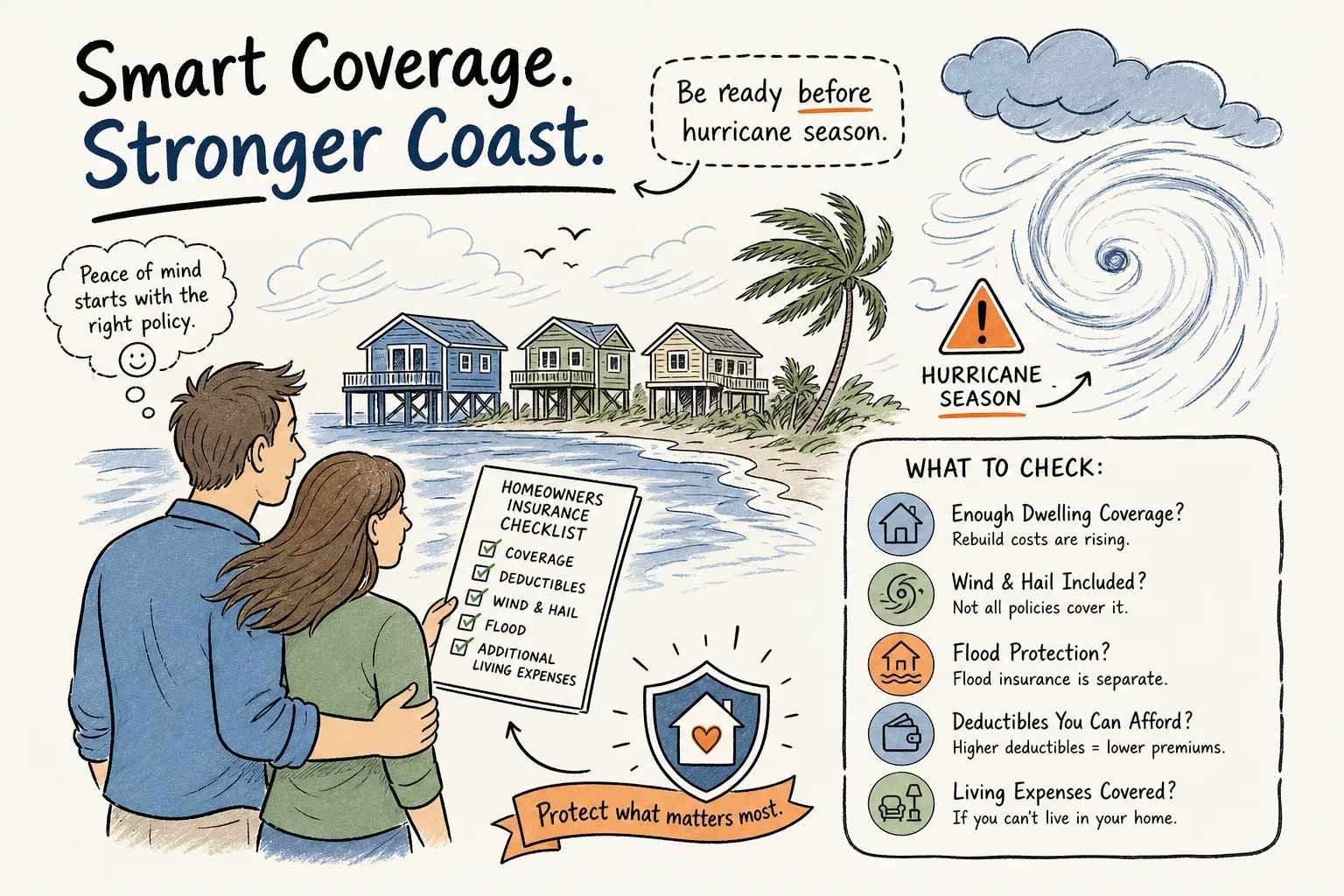
Coastal flood-preparedness infographic with couple, storm clouds, rising water, and checklist for home protection
By Brad Spurgeon • October 12, 2026
A homeowner in Texas City had been paying her homeowners insurance premiums faithfully for years. When a named storm rolled through Galveston County and tore shingles off her roof, she filed her claim confident her policy had her back. What she didn't know, and what nobody had told her, was that windstorm damage had been quietly excluded from her standard policy. The payout she expected? It wasn't coming. That conversation, the one that happens after a hurricane instead of before it, is exactly what we work to prevent at Brad Spurgeon Insurance Agency Inc. We're a family agency that has been serving Texas City and the Gulf Coast for decades, and we've seen this scenario more times than we'd like. The good news: once you understand how homeowners insurance actually works on the coast, protecting yourself completely is straightforward. This article walks you through what's covered, what's not, and the specific steps to get fully protected before hurricane season starts.
Show More